Support
We're here to help. Reach out anytime.
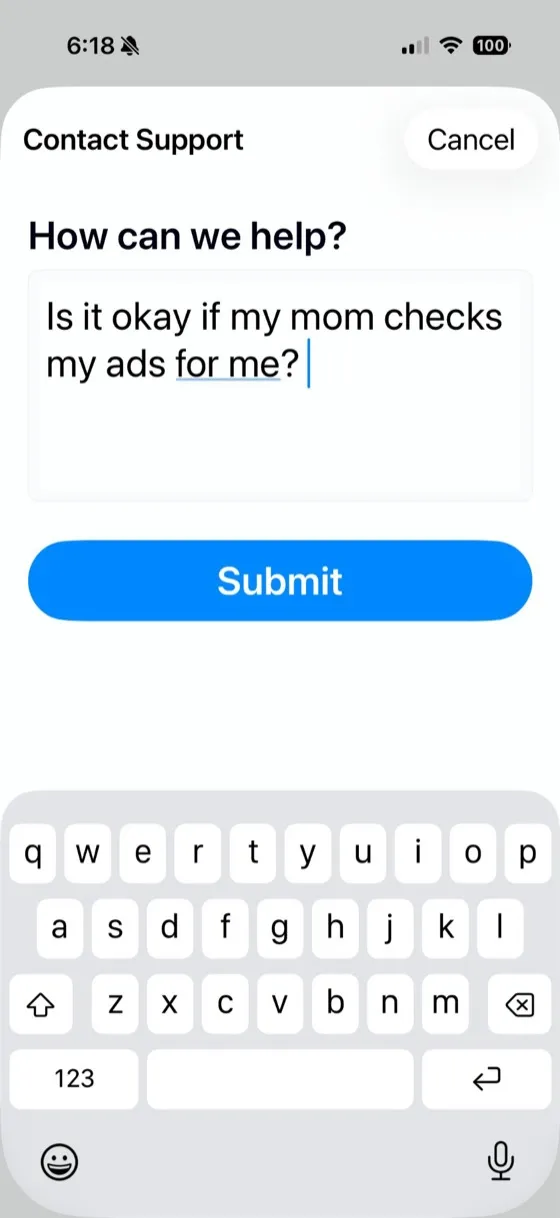
Contact Support from the App
Tap "Support" at the bottom of any screen to send us a message directly.
Common Questions
How do I connect my Google Ads account?
Sign in with Google on the welcome screen. Keywords.app will request access to your Google Ads accounts. You can connect multiple Google logins if you manage accounts under different emails.
Is my data safe?
Yes. Google Ads data stays on your device until you choose to sync an account. When you sync, your search terms, triage decisions, and AI clusters for that account are stored on our servers — encrypted in transit and at rest — so they stay in sync across your devices and the web app. We don't aggregate your Google Ads data across users or sell it, and OAuth tokens are stored encrypted.
What can I do with Keywords.app?
Check campaign performance, enable/pause campaigns and keywords, triage search terms, and build negative keywords — from your phone or the web.
How do I disconnect my Google account?
Go to your Google account settings at myaccount.google.com, find "Third-party apps with account access," and revoke access for Keywords.app.